Introducing Carbon Voice for Mac

Updated: May 13
Start the Conversation Without Scheduling the Meeting
The future of work isn't about where work happens — it's about when. And increasingly, the answer is async.
We built Carbon Voice because we kept watching the same pattern play out. A complicated or nuanced discussion spins into email chains, endless document comments or unclear chat threads. Then the familiar moment hits 'let's get a meeting on the calendar to talk about it.' Now we wait for a meeting to decide.
I saw this firsthand managing a team across 14 time zones. Important conversations kept getting delayed. There was simply no time left to talk through what actually needed discussing. The speed of the organization became the speed of scheduling.
Why did the need to talk automatically become the need to be synchronous?
Carbon Voice on mobile reduced meeting time by up to 60%
People started using Carbon Voice to communicate on-the-go. Meetings were replaced by quick voice messages between focused work, customer visits, or daily life. Async check-ins that didn't require everyone to be free at the same time meant conversations happened sooner and got resolved faster.
The feedback was consistent: once you experience the speed of async voice, going back to scheduling calls feels absurd.
How teams are using it:
Execs directly connecting to subject matter expert ICs without pulling everyone into meetings
Coaches serving more clients with async check-ins between sessions
Field sales teams capturing updates and staying in sync while on the go
Remote and distributed teams having real conversations across any timezone
Meetings are a hard habit to break
But there was a gap. When people sat down at their desks, the old habits crept back. The cursor would go to the chat window, fingers would start typing, and before long someone was sending a calendar link when they needed to talk. No one wants a meeting, but the calendar link is the habit and default.
So we built Carbon Voice for Mac
The desktop experience started as a way to bridge the gap between the desk workers and those out on the go. What we quickly found was the desktop experience offered a new level of speed for sharing ideas. It started to feel as easy as leaning over to a colleague sitting next to you to talk, but async so less disruptive. Instant access through global keyboard shortcuts means you can go from idea to shared idea faster than you could even open a calendar to create a meeting.
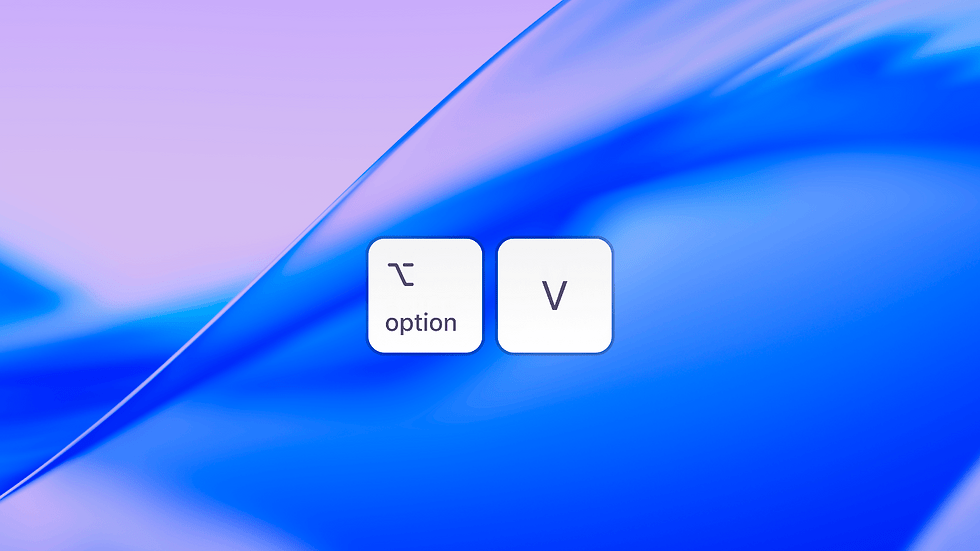
Press Option+V from anywhere on your Mac. Talk. You get a shareable link instantly. Send it anywhere you'd send a meeting invite. The recipient listens or reads the transcript, and replies on their own time. That's an async voice conversation. No scheduling required.
If a conversation starts, it stays in one place. Replies come back as voice. Transcripts are automatic. Summaries are one tap away. You get all the clarity of a meeting notetaker without the meeting itself.
What's included in the Mac app:
Quick capture:
Option+V to record a voice message from anywhere on your computer
Share instantly as a link (voice and transcript included)
Save as a personal voice memo to come back to later
When someone replies, it becomes a two-way conversation automatically

Full access to all of Carbon Voice:
All your conversations and voice memos accessible on desktop and mobile
Press and hold Space to record inside a conversation
Option+C to send a message to a conversation
Cmd+K to search across everything
Cmd+N to start a new conversation
Carbon Voice isn't just a communication tool — it's a voice layer in your workflow.
All your messages are accessible via MCP, API, and a rich set of integrations. Your conversations are organized, searchable, and always available whether you're at your desk or on the go.
The meeting will come when it's actually needed. Until then, Just Talk.
A desktop version for Windows is coming soon. In the meantime, you can access the updated desktop experience at https://carbonvoice.app


Comments